Generate countdown timer
Free countdown timer generator that creates animated countdown timer GIFs for emails to spark urgency — perfect for flash sales, limited offers, product launches.
Benefits
-
Boost urgency and conversions.
Use an animated countdown timer GIF to create urgency in email marketing campaigns, WhatsApp messages, and promotions. A visible clock counting down – whether a 24 hours countdown or a 7 days timer – encourages faster decisions, increases click-through rates, and helps convert hesitant users into paying customers.
-
Engage users across channels.
Add a countdown timer GIF to emails, landing pages, or even a WhatsApp countdown timer GIF to capture attention instantly. Animated countdown visuals like a 1 minute countdown or 3 minutes timer keep users focused, improve engagement, and make your campaigns more interactive and memorable.
Free email tools
- Verify and Clean Email Lists Online
Email quality checker.
Verify and classify emails before sending campaigns.
- Compress and Reduce PDFs Online
PDF compressor.
Compress and reduce PDFs file size with smart presets.
- Generate Email Subject Lines Online
Subject line generator.
Get more opens and clicks with AI-powered subject lines.
- Generate Image Slideshow GIFs Online
Slideshow generator.
Create animated slideshow GIFs from images and photos.
- Generate Countdown Timer GIFs Online
Countdown generator.
Drive sales by adding urgency with countdown timer GIFs.
- Generate Scrolling Text GIFs Online
Scrolling text generator.
Grab attention with animated scrolling text GIFs.
- Compress and Optimize GIFs Online
GIF compressor.
Compress and optimize GIFs with flexible options.
- Convert MP4 Video to GIFs Online
Video to GIF converter.
Convert your video to GIFs optimized for size and quality.
- Generate Script Calligraphy Signatures Online
Calligraphy generator.
Create calligraphy cursive signatures, slogans, names.
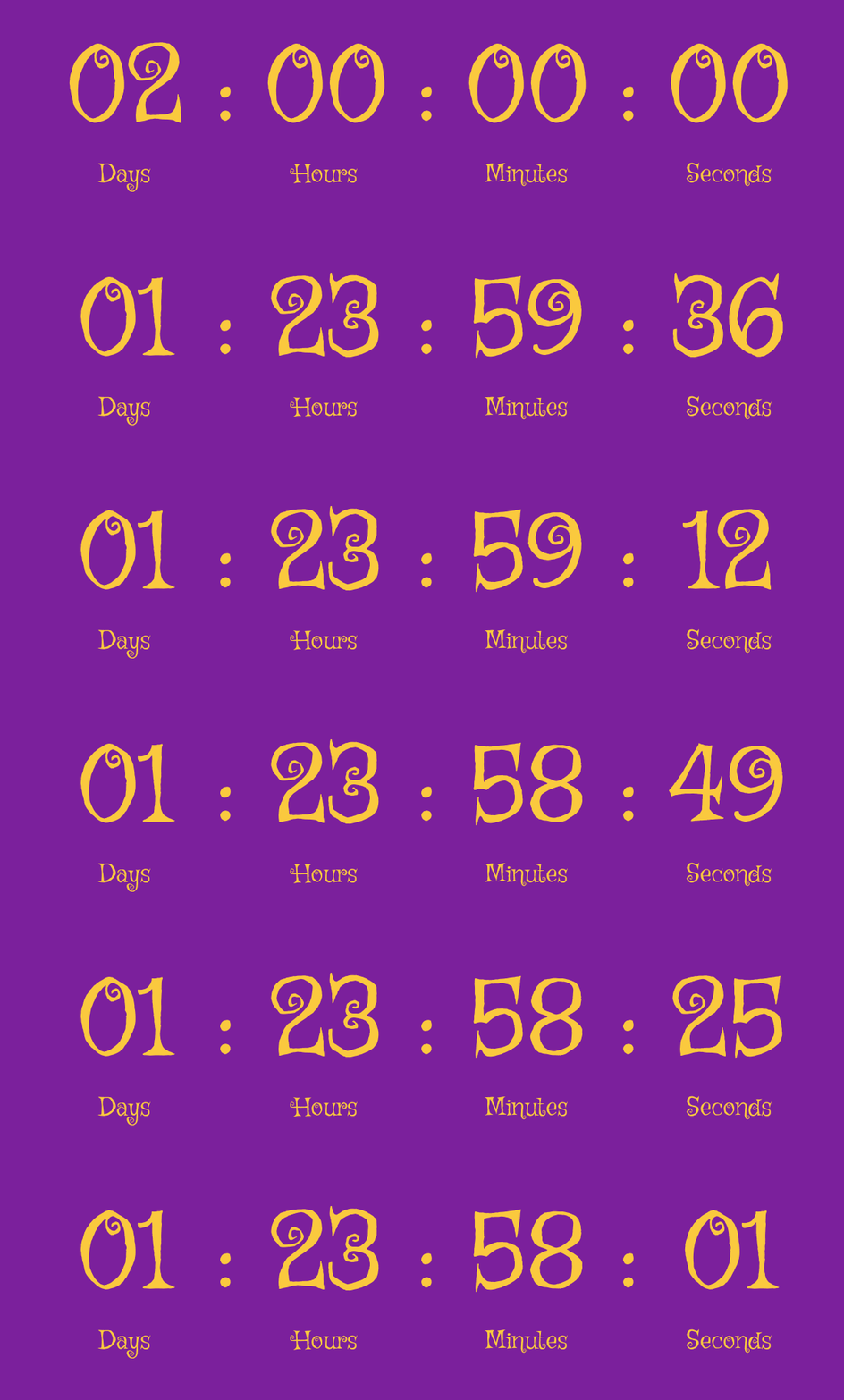
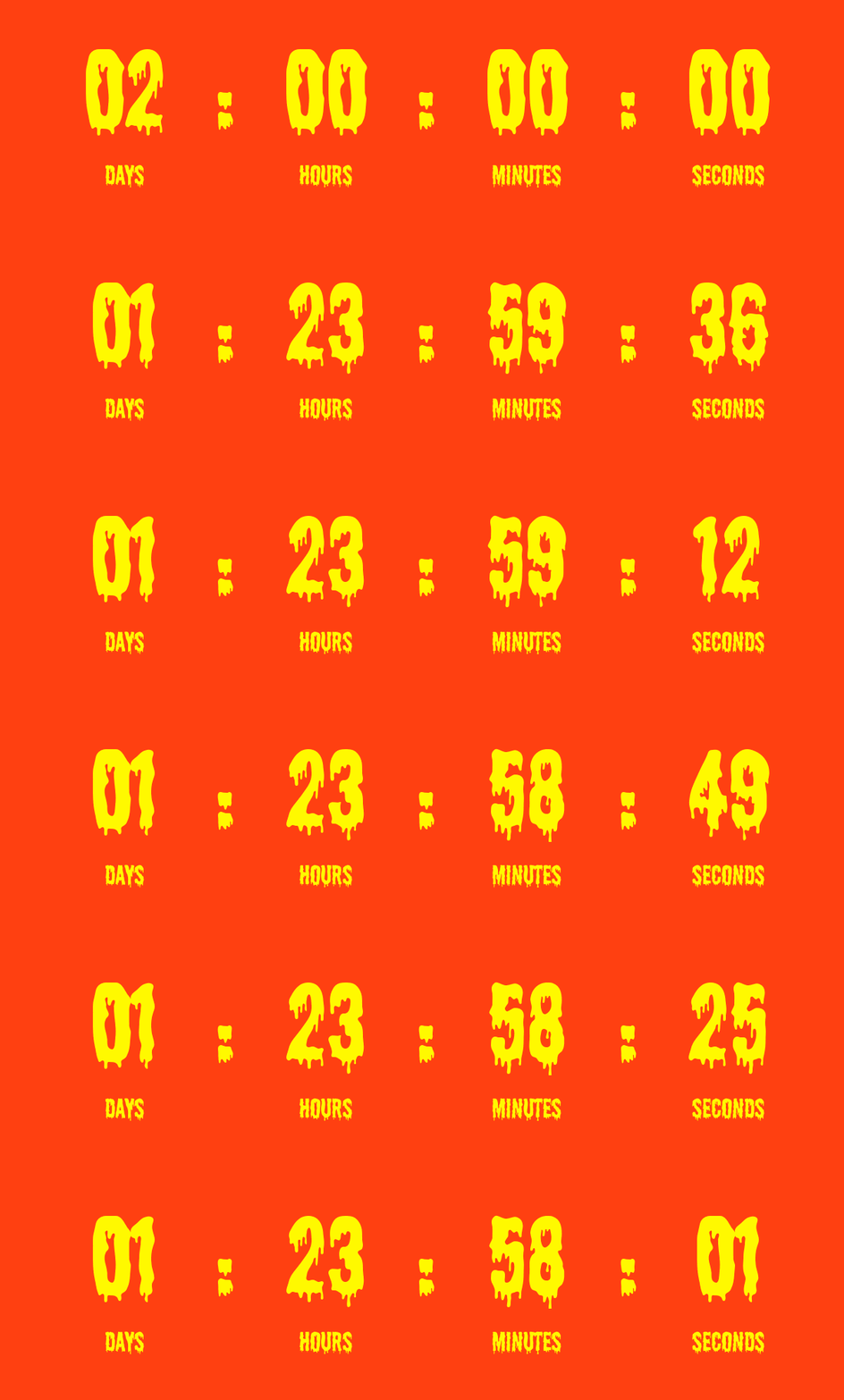
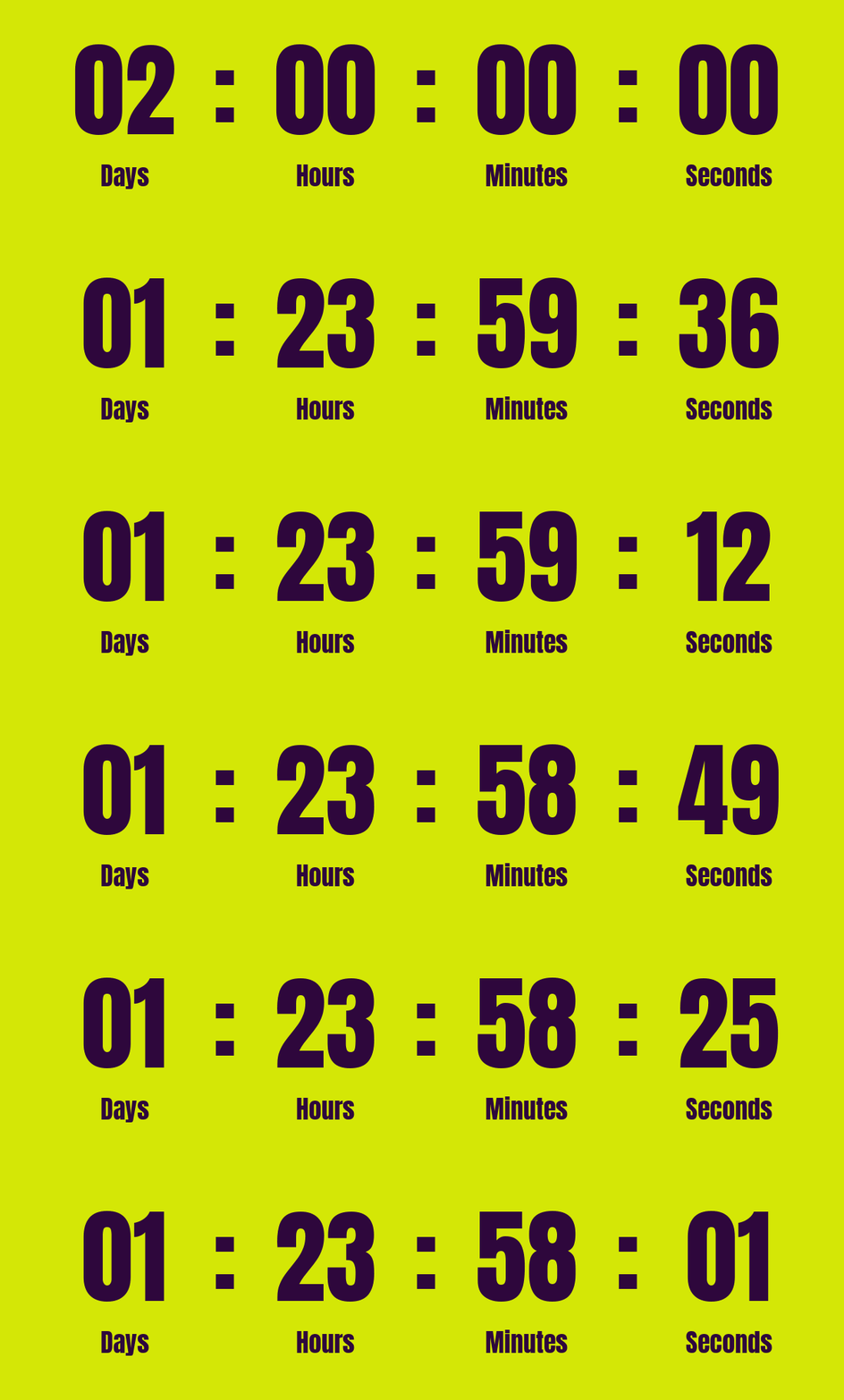
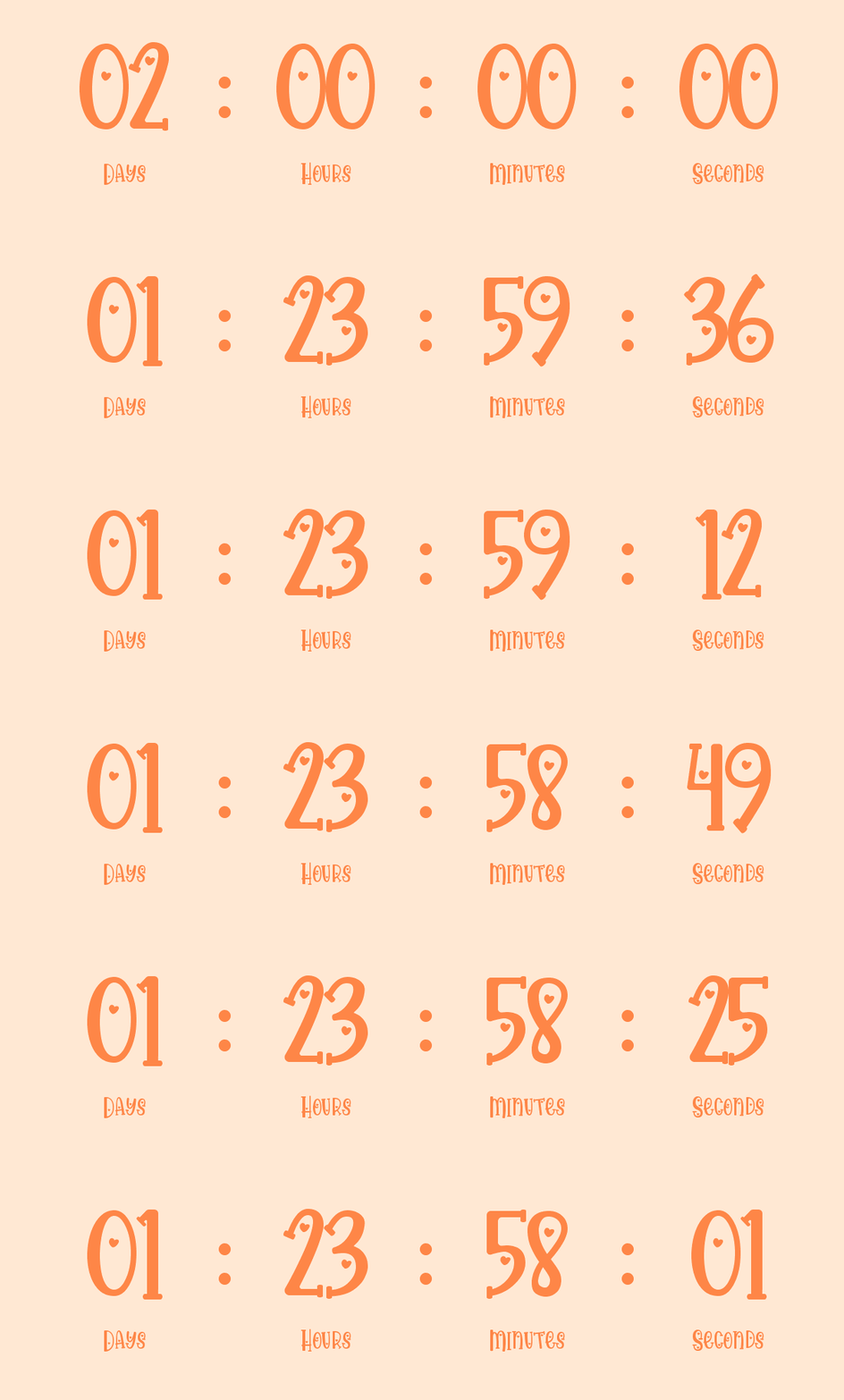
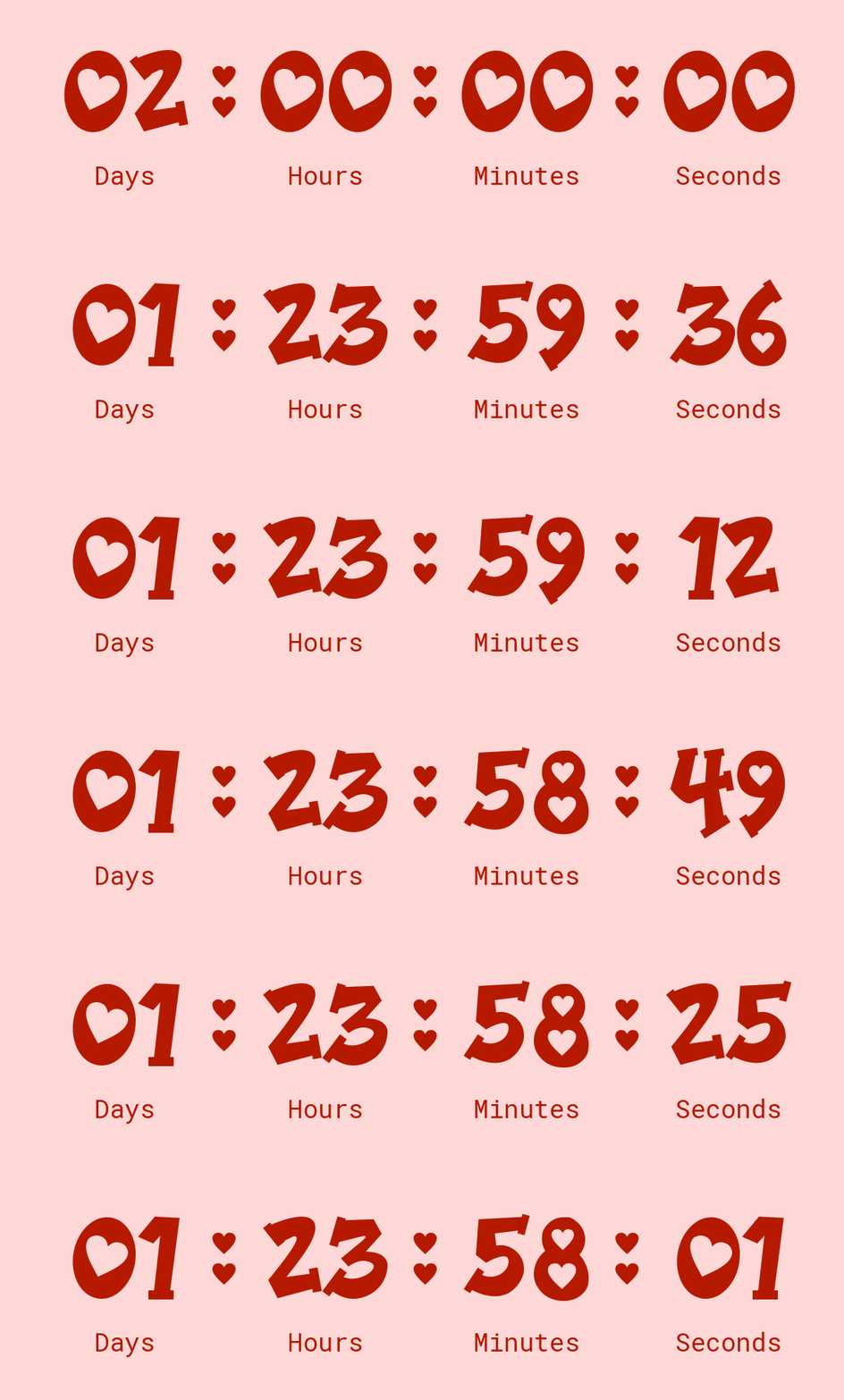
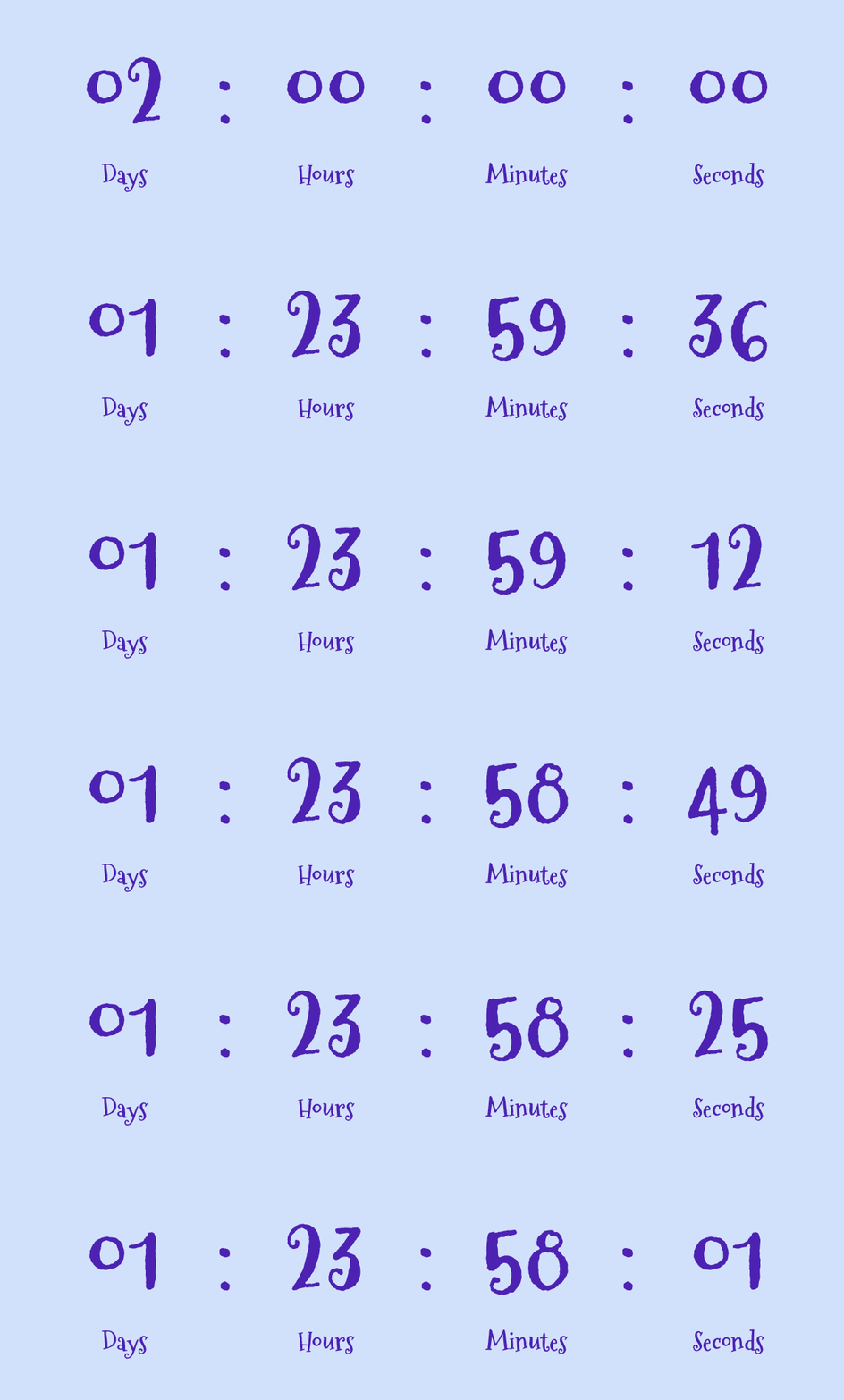
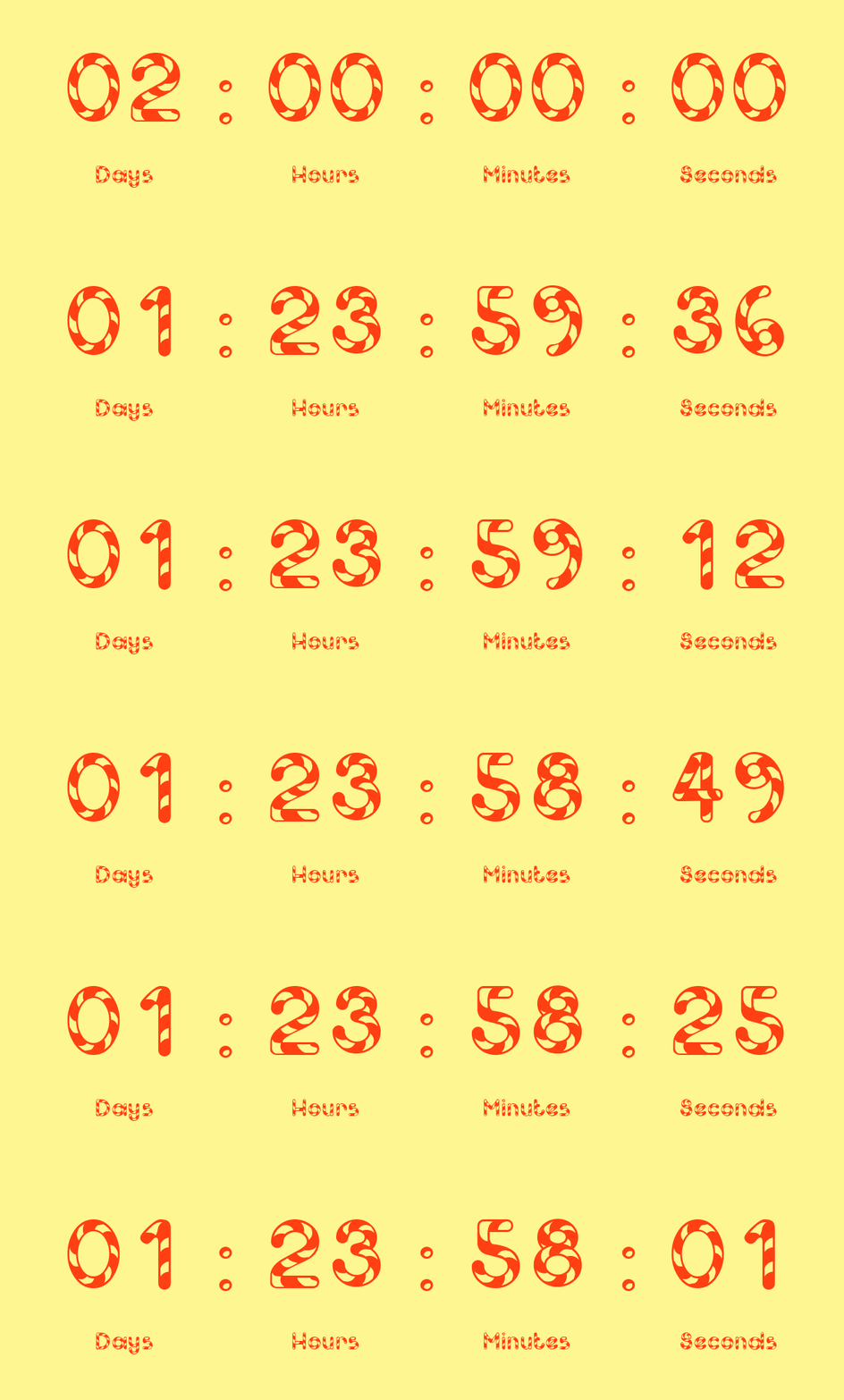
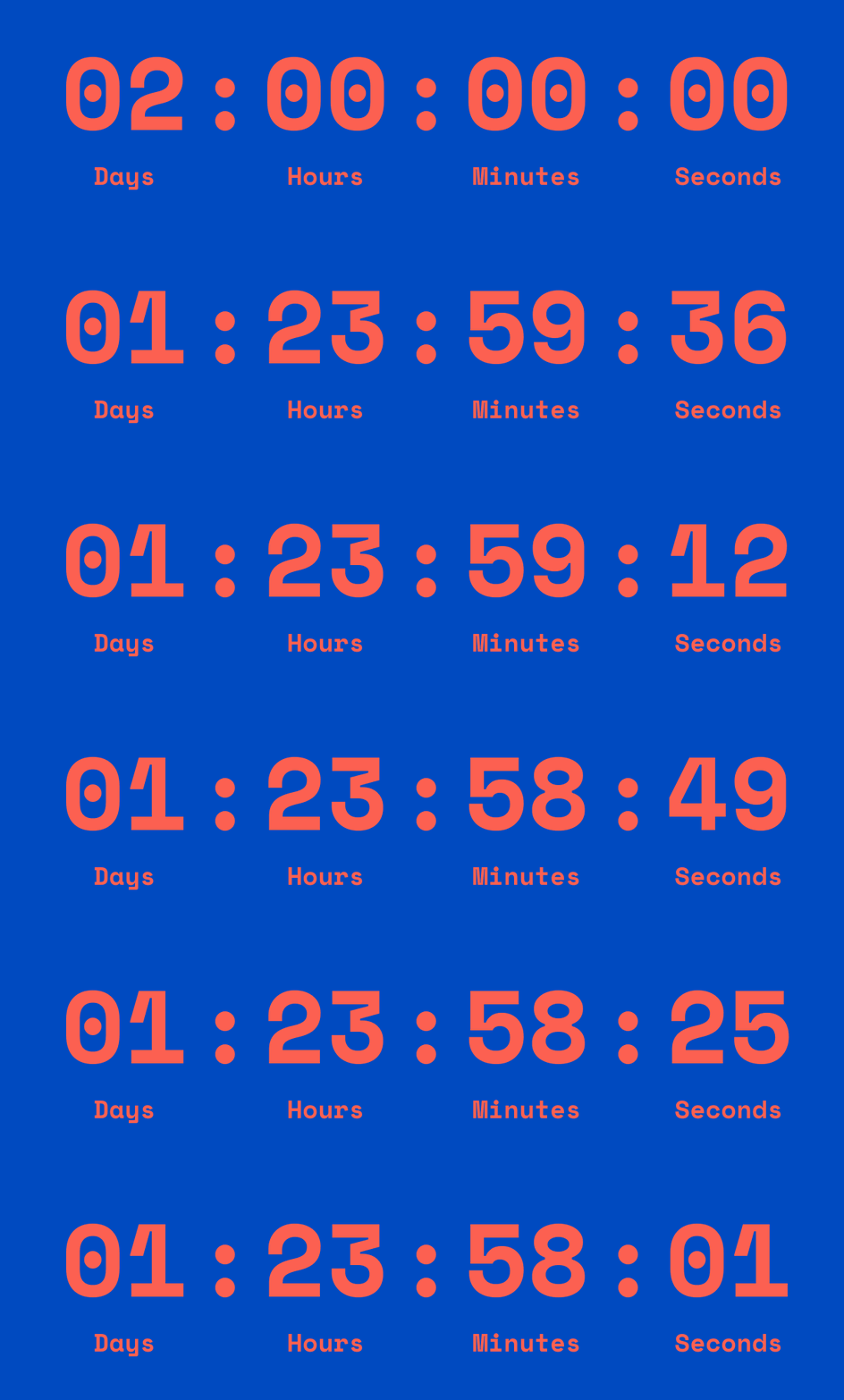
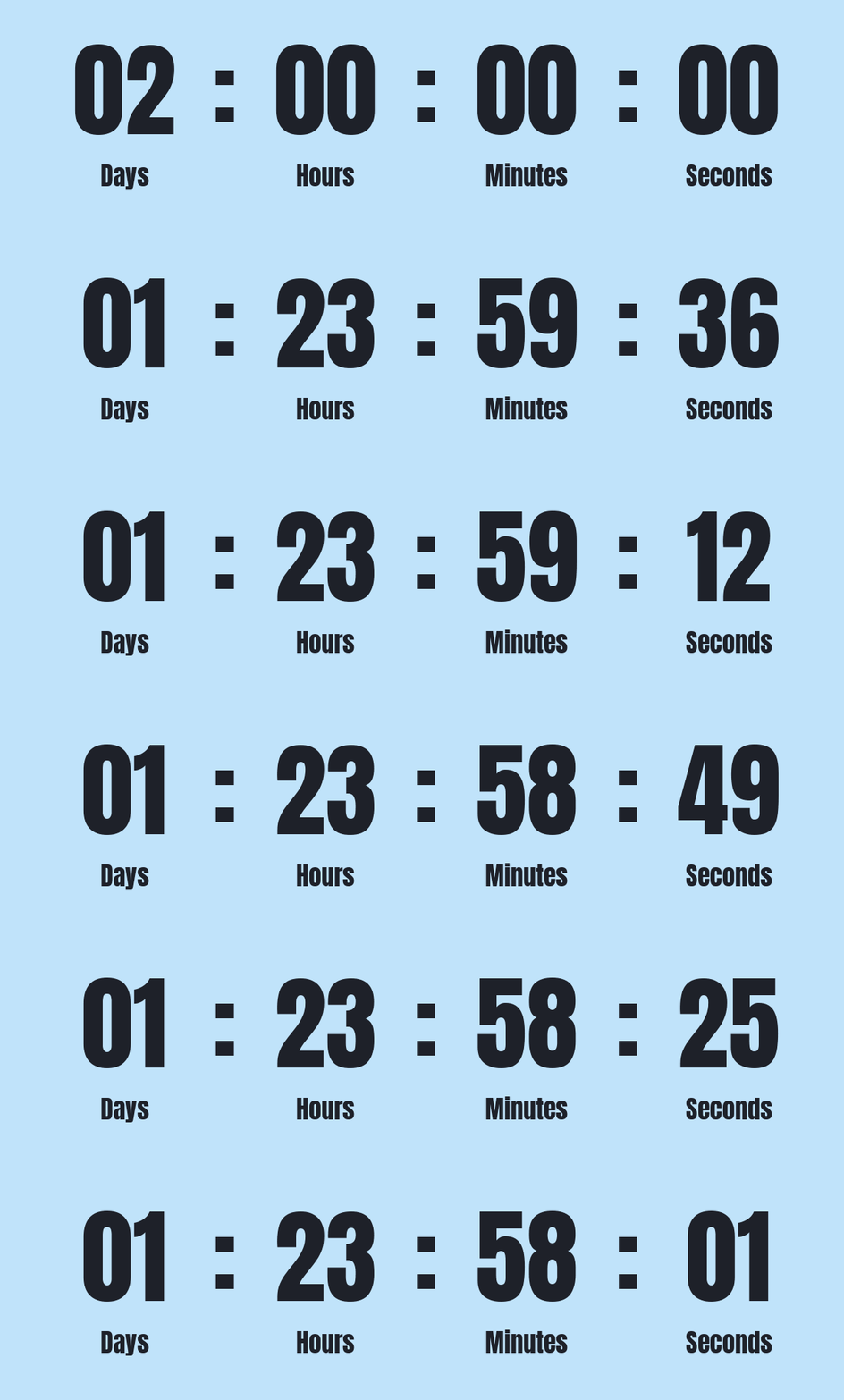
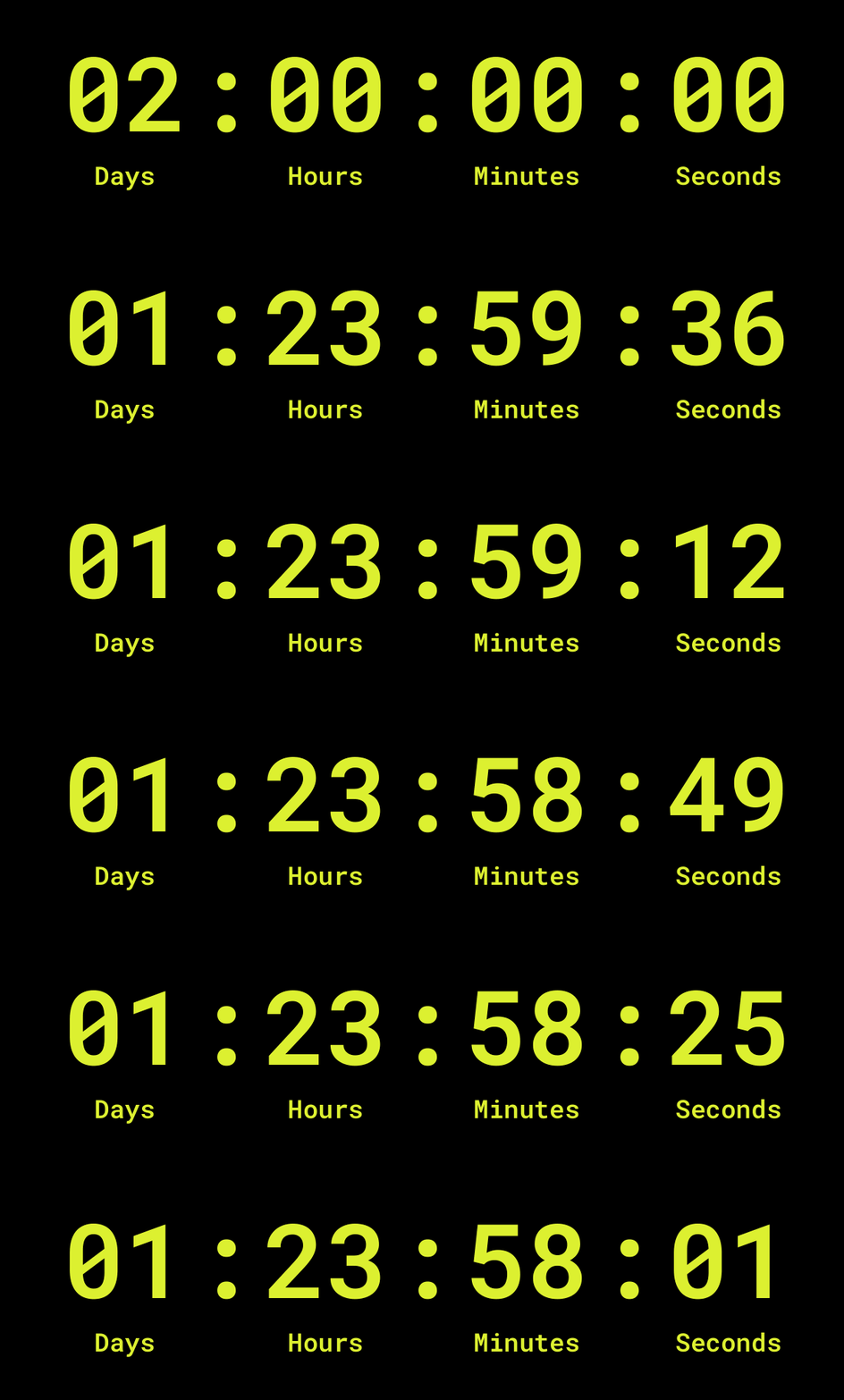
Countdown timers in emails
Seasonal promos
Create excitement for seasonal offers, such as Black Friday, Christmas, New Year, or Valentine’s Day campaigns.
Limited-time offers
Emphasize the final hours of a special offer or coupon code to prompt immediate action.
Product launches
Count down to a new product release or restock, increasing anticipation and engagement before launch day.
Email templates with countdown timers
Email templates with countdown timer GIFs are ready-made emails featuring animated timers that build urgency and drive clicks and sales.
View email templates →Send emails smarter
Discover modern email marketing with stylish templates, a free AI assistant, smart scheduling, and powerful automations.
Get started today →






How to create countdown timer GIFs online
-
Choose your timer settings
Set the countdown duration or select an end date and time to calculate how much time to count down.
-
Customize the timer design
Adjust units (for example, show days or not), fonts, colors, and layout to match your brand and stand out.
-
Generate the countdown GIF
Create a fast-loading countdown GIF online optimized for size and quality — free and no sign-up required.
-
Download and use anywhere
Download the GIF and use it in emails or other campaigns to drive urgency, clicks, and conversions.
| Countdown duration | Where it’s used / purpose |
|---|---|
| 30 seconds countdown | Used for instant action moments with phrases like “Hurry up!”, “Act now”, or “Last seconds” to trigger immediate clicks. |
| 1 minute countdown | Great for quick engagement using titles like “Only 1 minute left”, “Final minute”, or “Don’t miss out”. |
| 3 minutes countdown | Works for short alerts with “Starting in 3 minutes”, “Get ready”, or “Offer ends soon” in the timer header. |
| 10 minutes countdown | Ideal for checkout urgency with phrases like “Reserved for you”, “Complete your order”, or “Almost gone”. |
| 30 minutes countdown | Used in flash deals with titles like “Limited-time offer”, “Ends shortly”, or “Your deal expires soon”. |
| 1 hour countdown | Perfect for last-call emails using “1 hour left”, “Final chance”, or “Sale ending soon” as the main message. |
| 3 hours countdown | Works for same-day urgency with “Ends today”, “Only a few hours left”, or “Don’t wait too long”. |
| 12 hours countdown | Used in “ends tonight” campaigns with phrases like “Tonight only”, “Last hours”, or “Sale ends at midnight”. |
| 24 hours countdown | One of the most popular formats, often paired with “24-hour sale”, “Deal of the day”, or “Expires tomorrow”. |
| 48 hours countdown | Ideal for weekend offers with “Weekend sale”, “3 days only”, or “Time is running out” in the header. |
| 7 days countdown | Common for big campaigns like Black Friday, using phrases like “1 week to go” or “Big sale coming”. |
| 30 days countdown | Works for long campaigns with “Big event ahead”, “Countdown begins”, or “Something exciting is coming”. |
Common questions
What does this countdown generator do?
The countdown timer generator is a free online tool that allows you to design and create animated GIF countdown timers for email campaigns. These timers can be embedded directly into emails to create a strong sense of urgency, encouraging recipients to take action immediately.
Is this countdown generator completely free?
Yes. You can create and use countdown timers at no cost, and there are no hidden charges for embedding them into your emails.
Are countdown timers generated with a watermark?
No — the countdown timers generated with our tool are completely free of watermarks. You’ll receive a clean, professional-looking GIF without any distracting logos or marks.
How do I create and use a timer?
It’s straightforward. Configure your settings, generate the timer, and download the resulting GIF. Once it is ready, insert the GIF into your email campaign just like any other image.
Why use countdown timers in emails?
Countdown timers are a proven way to increase conversions because they tap into the fear of missing out. By showing the exact time remaining until an offer ends, they prompt quicker decisions from potential customers. This is particularly powerful for time-sensitive events—such as Black Friday or Cyber Monday—where every hour counts.
What customization options are available?
You can adjust the countdown’s duration, choose from multiple font styles and colors to match your brand, and decide whether or not to display captions such as “days” or “hours” under the numbers. There are even seasonal font choices that can make a Christmas, Halloween, Valentine’s Day, or Black Friday timer visually stand out.
What types of events or promotions is it ideal for?
This tool is ideal for any promotion where time sensitivity can boost engagement and conversions. Businesses, especially in e-commerce, use it for flash sales, limited-time discounts, product launches, and seasonal events. It is particularly effective for Black Friday, Cyber Monday, or Christmas campaigns, when urgency plays a crucial role in motivating customers to make quick purchasing decisions.
How can I use it in a Black Friday campaign?
You can set the countdown to end exactly when your Black Friday sale finishes, making the deadline highly visible in every email. Using bold, attention-grabbing fonts and placing the timer near your main call-to-action significantly increases the likelihood that customers will act immediately. Explore Black Friday email ideas on our blog.
Can I create a countdown timer for my Shopify store?
Yes! You can use the free GSC Countdown Timer app for Shopify. It lets you add different types of countdown timers to your store and offers a wide range of customizable designs. With just a few clicks, you can match the timer to your brand’s look and create urgency for flash sales, product launches, or seasonal promotions, helping you boost conversions effortlessly.
Is the GIF compatible with all email platforms?
Yes. Because the tool creates a standard animated GIF, it is compatible with all email providers and inboxes. You simply insert the GIF into your email body as an image, and it will display correctly in all email clients. If the GIF file size exceeds your email editor’s limits, you can reduce it using a Free GIF compressor before uploading.
Are there alternatives to Getsitecontrol’s tool?
Yes, there are other countdown timer tools available online, some offering additional customization or paid plans. However, Getsitecontrol provides a quick, simple, and free option for email marketers who want to add urgency without extra complexity.
Are there any technical limitations?
Generated GIFs are lightweight, so they won’t slow down the loading of your email or frustrate recipients with lag. They are designed to maintain visual quality while keeping file sizes small, ensuring smooth performance even on slower connections.
How can I get the most out of email marketing?
Start with Getsitecontrol, a beginner-friendly platform designed with small businesses in mind. It lets you easily create engaging emails, grow your subscriber list, and automate campaigns with the help of AI. Built-in anti-spam protection keeps your reputation safe, while intelligent features learn and improve over time. Plus, it integrates seamlessly with the tools you already use.
Customer reviews
Joe R.
It’s as good as Klaviyo for my purposes at a tenth of the cost. I run a multi-channel e-commerce company and I just needed a proper newsletter and list management platform. Klaviyo was overkill for this limited scope, but Getsitecontrol was exactly what I need.
Scott N.
I use the automation builder daily (which is why i have yet to look for another solution) because I love how easy it is to create entire email workflows as users interact with your website; and then they run completely hands-free.
Joy Worthen
I have been using the Getsitecontrol platform for over 4 years. With a super clean dashboard UI, you can easily create polished and responsive widgets that just. always. work. It really is a beautiful product, and it is well supported.
Matt
Getsitecontrol offers a really slick solution to create pop ups, collect contact info and send emails, including automations, all in one. I have tried out plenty of other tools and this has exactly what you need to get the job done quickly.
Mosaic Journal
Genuinely one of the best apps I’ve used on the Shopify store. Loads of value for very little cost.
Lilly Payne
Getsitecontrol is excellent! Their tools are intuitive, effective, and they have great customer support if you want help. Anytime I reach out to customer service they provide the needed code or answer in a matter of minutes, and are so kind.
Enrico M.
Excellent product that has allowed us to carry out excellent campaigns, always supported by online assistance that responds immediately to any request.
Raquel L.
100% recommended. The experience with Getsitecontrol so far is 10/10. The UX experience is very friendly and love all the designs and templates. Also the team is SUPER helpful.
Kalle Kay
Getsitecontrol has significantly improved the way I communicate with my audience, capture leads, and promote offers. The widgets are beautifully designed, easy to customize, and integrate seamlessly with my website.
Dimitar T.
I have been using Getsitecontrol for the past 5 years. What I like is the pre-made design templates that save me time. With a well made pop-up I achieve a CTR of over 45%, which for a marketing channel is more than an excellent result…
WoodWideCities
If you are looking for a versatile popup solution for Shopify without breaking the bank, just go for it.
Bianca B.
The platform is intuitive and flexible, allowing us to quickly launch targeted banners without involving developers. It’s been a smooth, effective solution.
Muhammad A.
I have been using Getsitecontrol for more than two years now. It is helping me run my welcome flows, abandoned carts and email broadcasts. This by far is the best onsite targeting app for Shopify. Tons of templates and targeting options…
Rob G.
Awesome app to get email subs. Was able to get 30% sign up rates on some campaigns which is wild. Great product.
Jordan C.
It does integrate to Shopify easily. I set it up and now it’s pretty streamlined and requires very little maintenance from me which I love.
Adelaide School…
Loving GSC So far, the best part is their pricing model which is very reasonable compared to other platforms, and their designer easily creates stunning emails…
Ashutosh J
GSC offers impressive suite of website engagement tools that makes capturing leads and improving user interaction easy. Their support team is always on toes and goes extra mile to help you resolve the issue.
Patrick Stewart
Their code was easy to install, and their popups have made a huge difference in our business.
Angel J.M.
Overall experience is fantastic! We’ve been customers for over 2 years and no plans on leaving ever! The greatest pro is how easy it is to implement pop-ups and how good they look a great addition when you are using Hubspot…
Isaac Diaz
Awesome app but even better customer service. Their team and developers helped me setup exactly what I needed. It was easy and they made sure everything worked great. Would 110% recommend them.
Steven B.
Love the new interface and ease of use, and once set up, no need for other teams to get involved, marketing can take control. The interface is really easy to use and offers multiple of of the box designs…
Belinda J.
A joy to use, just works! Lots of design settings so you can easily get your forms to look 'on brand'.
Young Potters
So far, great service and friendly staff! When I was confused about layouts, or needed help, the live chat service was incredibly fast and they resolved all issues in literally minutes!
John
Highly recommend Getsitecontrol if you want to do things like adding banners, creating popup modals or surveys to your website.
Jakob Albrecht
Have been using the tool for over two years now and love it. And the customer support is just awesome (and the best I know)! I always get responses within minutes through the live chat and they go way beyond normal technical support.
WildFire Coffee Company
App is perfect for new businesses and using the chat feature has really helped us achieve what we wanted out of that app.
System Skin
Beautiful and functional widget designs, and the platform is very easy to work with! Plus, the best and fastest customer service ever!
A Fold of Chairs
I run a small business and the emails I send to my subscribers via this app have really helped it grow. I can see how the click-throughs from the emails drive purchases. The templates are super easy to use and look professional …
Ian Curtis
Really excellent customer support. Fast, knowledgeable and solved the problem.
Nice Things by Helena
Really solid, easy to use and reliable. We develop a LOT of custom logic in our pages ourselves but use GSC as it’s so simple to use while making it easy to add our own more complex logic via their JavaScrip API/parameters …
Bogdan DNA
I’ve been using this widget tool on my website for about four years now, and it really just gets the job done. It’s perfect for collecting emails, guiding visitors, and setting up custom actions based on who’s visiting.
Otro Level Prints
I love this app because it is very friendly and easy to use. My favorite part is the email templates; the gallery looks amazing, and it’s a time saver when you are designing a promo or a newsletter.
Raptor Naturals
GetSiteControl has been an absolute game-changer for my website! The app is incredibly user-friendly, allowing me to create eye-catching pop-ups and forms with ease. What really sets it apart, though, is the fantastic customer service.
Shekhar Luhar
Best tool for conversion rate optimization. The functionality Getsitecontrol provides to modify popup and the design which makes this tool easy to use. Customer support is on point too. Highly recommend!
AvalongKing
Their support is absolutely amazing. Super fast and helpful. You are not going to get help like this from any other app.
Akvile P
I feel thankful not only for the easy-to-use tool but also for the fast help from the help desk. They truly put their effort into helping us as quickly and as well as possible. Thank you, guys—you’re a perfect example of how a client should be heard and helped!
SOUS LA VIE
Ho usato GSC per disegnare una parte della landing page per il mio brand. L'app è davvero semplice e intuitiva, quando poi ho avuto bisogno di supporto tramite chat sono stati veloci e competenti.
Corey Dewalt
The platform goes above and beyond what I was originally looking for. I’ve paid for the flat annual membership which has unlimited impressions and I’m now making $2k a month in email revenue as a result.
CHOMEX
Great product, good customer service. Very easy to get any result by utilizing all the options and settings. Be creative, and this can outperform the most expensive software.
Maria Creesia M.
Very easy to set up a site pop up. Integrated very well with my client’s Squarespace site.
Deborah Tyson
It is wonderful to use a tech product that has solid support that actually gets you the result that you want.
Football Host store
Muy útil para añadir formularios en cualquier parte de tu página web. Buena atención al cliente, rápidos y efectivos.
Richardt K. F.
We’ve been using GST for quite some time now, and the tool is great, but their support never fails. Always willing to help and has a quick response time.
Oleksandr Dieiev
It is clear that the team is constantly working on improvements in the product, and team support always helps to solve the problems that arise. Highly recommend.
David Shuck
Great product, reasonable pricing, fast and helpful service. Would highly recommend to anyone needing pop-up or data collection on their website.
Kyle M
I needed a review pop up on my site to add to klaviyo for email marketing. I was able to get this setup in minutes and activated immediately.
Marco C
I am impressed by the reliability of Getsitecontrol. It has effective features that makes email marketing smooth.
Brian A.
Getsitecontrol is easy to implement and has garnered us many newsletter subscribers that we wouldn’t have captured otherwise. we’d recommend it to anyone looking to expand their reach.
Niels D.
Very easy to use and does 100% what is needs to do for a very fair price. Absolute value for money! We accomplish great results and the customer service is absolutely fantastic.
John A.
I have been a Getsitecontrol user for almost 10 years. Overall it has grown my email marketing list by literally thousands of people. It’s great.
JRNY
Big fan! The creation process was nice and simple. Great option if you need a simplified approach to popup generation and A/B testing.
Jackie Jennings
It has been instrumental for us to optimise the sign-up experience for customers. The level of information we receive on the back end is in far greater detail than any other apps offering this feature.
Kieran Alkerton
The app was easy to set up and integrates well with my store. We were originally using it for both our welcome offer and a referral popup.
Jordan H.
We use this tool to show exit intent popups on our site. Its main pros are the ease of everything from setup to analytics, and reporting is great. Anytime we have an issue support is super-fast.
Raw Pumpkin
Great app. A must-have for your ecommerce store. Using this app I got more insights about my audience and my store as well.
Australian Silo Art
This app is fantastic. It helps us get feedback from our customers (those that buy ad also those that choose not to) without being too intrusive.
Japandi Supply House
We used this app to increase email subscriptions. Immediately — the first day — we saw a major increase and it has not stopped.
Brighter Shaving
I’ve used this for mail capture, upsell, and cross-sell and seen an instant impact. Incredibly easy to use and the helpdesk is the most efficient and well-informed I’ve encountered with any Shopify apps.
Jens Hansen
Have tried a few different popup solutions so far and these guys are keepers! Amazing bang for the buck, pay monthly instead of annually and their support is crazy responsive…
Adrian McDonnell
For someone who is not very tech-savvy, I now have a widget I am proud of on my website!
Use cases
Features
Free email tools
- Verify and Clean Email Lists Online
Email quality checker.
Verify and classify emails before sending campaigns.
- Compress and Reduce PDFs Online
PDF compressor.
Compress and reduce PDFs file size with smart presets.
- Generate Email Subject Lines Online
Subject line generator.
Get more opens and clicks with AI-powered subject lines.
- Generate Image Slideshow GIFs Online
Slideshow generator.
Create animated slideshow GIFs from images and photos.
- Generate Countdown Timer GIFs Online
Countdown generator.
Drive sales by adding urgency with countdown timer GIFs.
- Generate Scrolling Text GIFs Online
Scrolling text generator.
Grab attention with animated scrolling text GIFs.
- Compress and Optimize GIFs Online
GIF compressor.
Compress and optimize GIFs with flexible options.
- Convert MP4 Video to GIFs Online
Video to GIF converter.
Convert your video to GIFs optimized for size and quality.
- Generate Script Calligraphy Signatures Online
Calligraphy generator.
Create calligraphy cursive signatures, slogans, names.
Use this GIF in your emails
Add your animated GIF to an email campaign and deliver it to your customers today.
Send 2,000 emails for free